Victor
Video Converter and Extractor: convert video and audio tracks, pull tracks out of containers and edit metadata, built on ffmpeg and MKVToolNix.
macOS 26+
Features
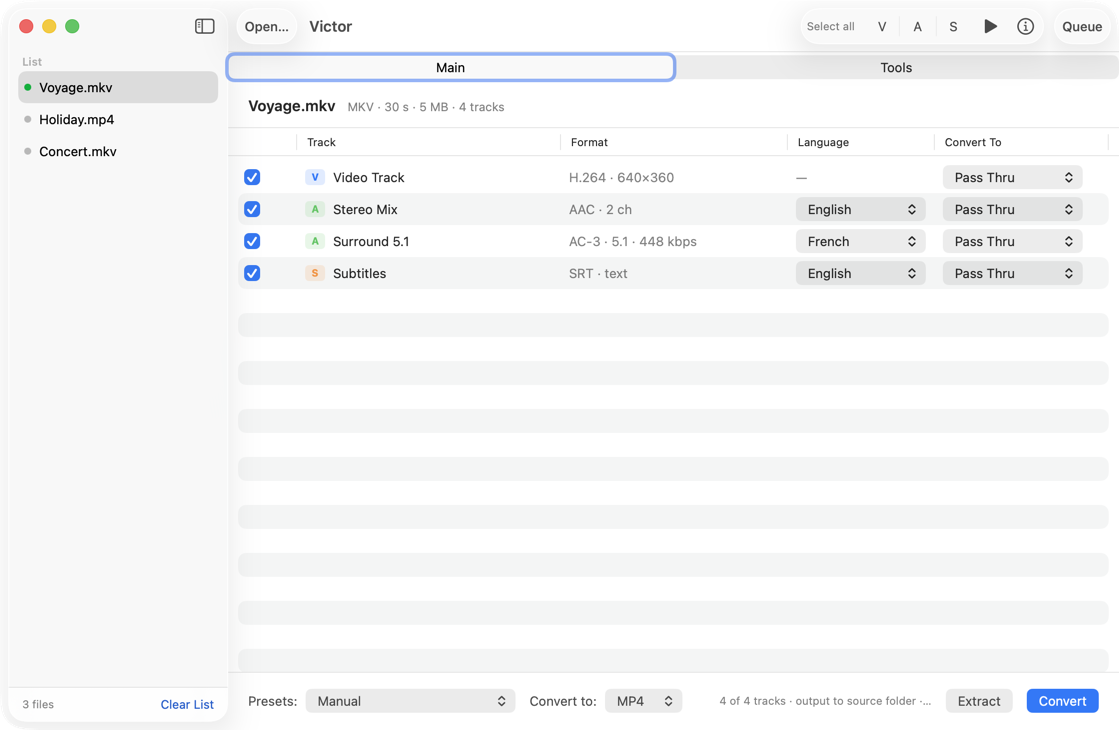
- Add MP4, MKV, MOV and friends; every track is listed with codec, resolution, channel layout, bit rate, language and title.
- Tick tracks individually or switch all video, audio or subtitle tracks at once.
- Rename tracks and set languages; for Matroska, written in place with
mkvpropedit, no re-encoding, instant however large the film. - Per-track output: pass through, H.264 or H.265 in one or two passes, AAC stereo, AAC or AC-3 5.1 where the source is really 5.1.
- Change container to MP4, MKV or MOV, with rows flagged when a track cannot make the trip and why.
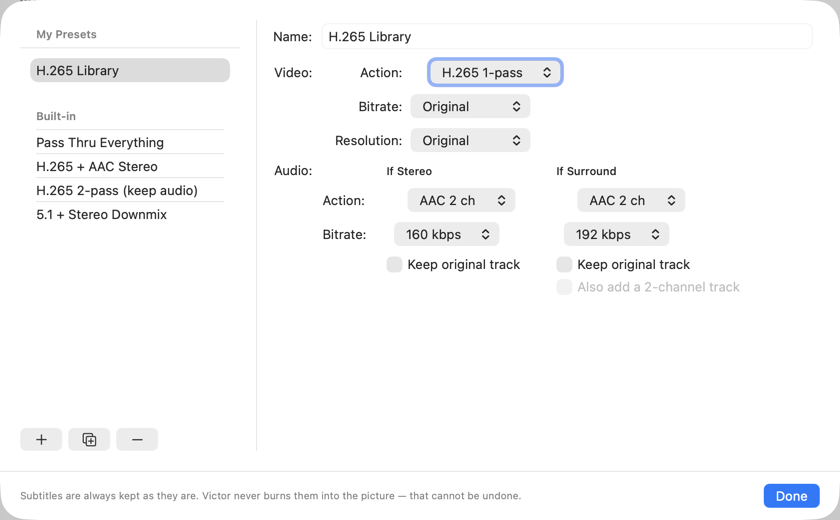
- Presets apply one rule to every ticked track, so a whole library converts the same way; four built in, all editable. Subtitles are never burnt into the picture.
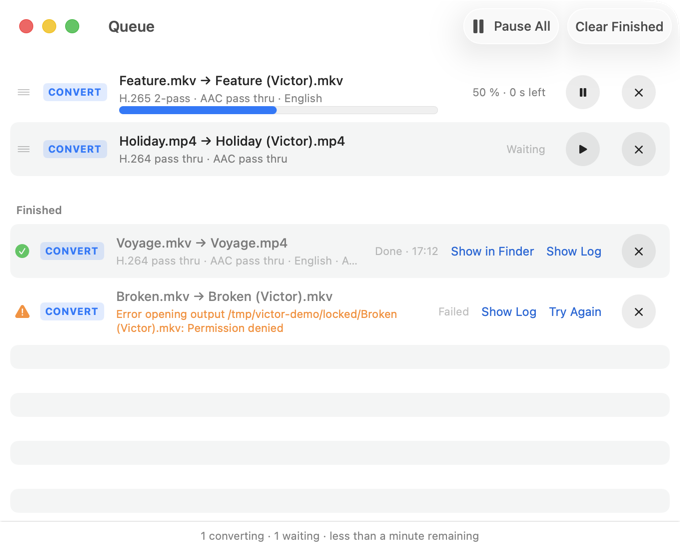
- Convert or extract with live progress, pause and cancel; a queue window with reordering and history.
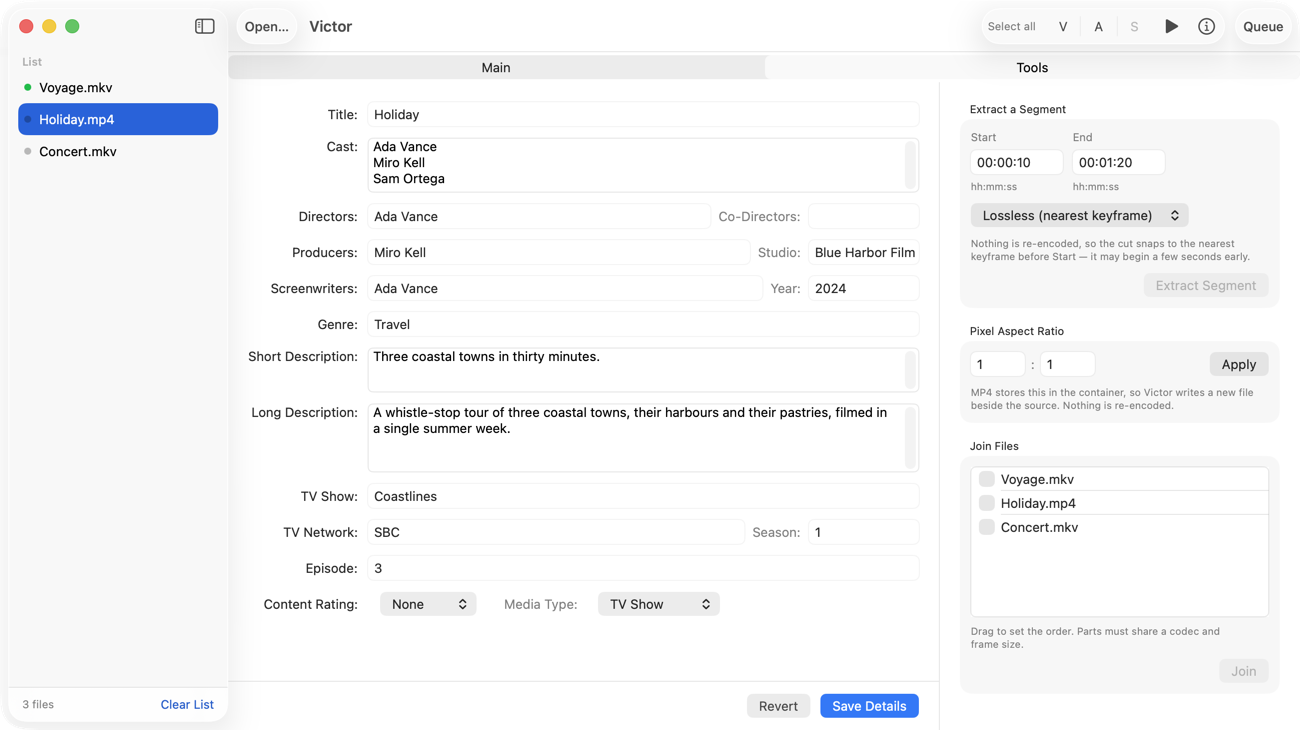
- Tools tab: a full metadata form, pixel aspect ratio, extract a segment, join files.
- Activity window with ffmpeg's full output, each log starting with the exact command line.
Requirements
macOS 26 or later. Victor drives command-line tools installed with Homebrew: ffmpeg and ffprobe are required, MKVToolNix is recommended for Matroska files, and AtomicParsley writes MP4 metadata.
brew install ffmpeg
brew install mkvtoolnix
brew install atomicparsley